Creating a Class Manually
 Updated
by
Matt Besant
Updated
by
Matt Besant
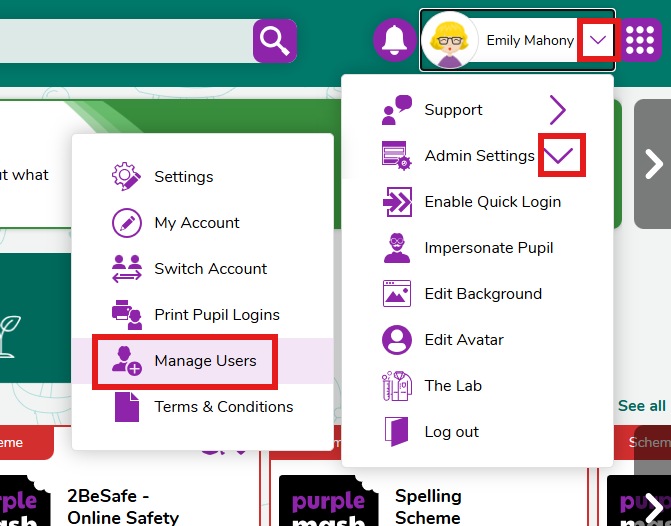
- Head to the Manage Users section within Purple Mash
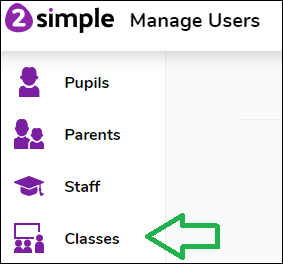
- Select Classes from the left hand side of the screen
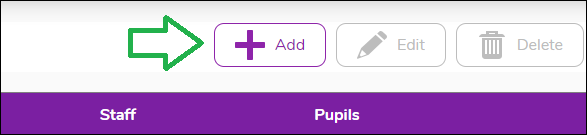
- Press the Add button
- You can now name the class, and assign yourself and pupil accounts to the class.
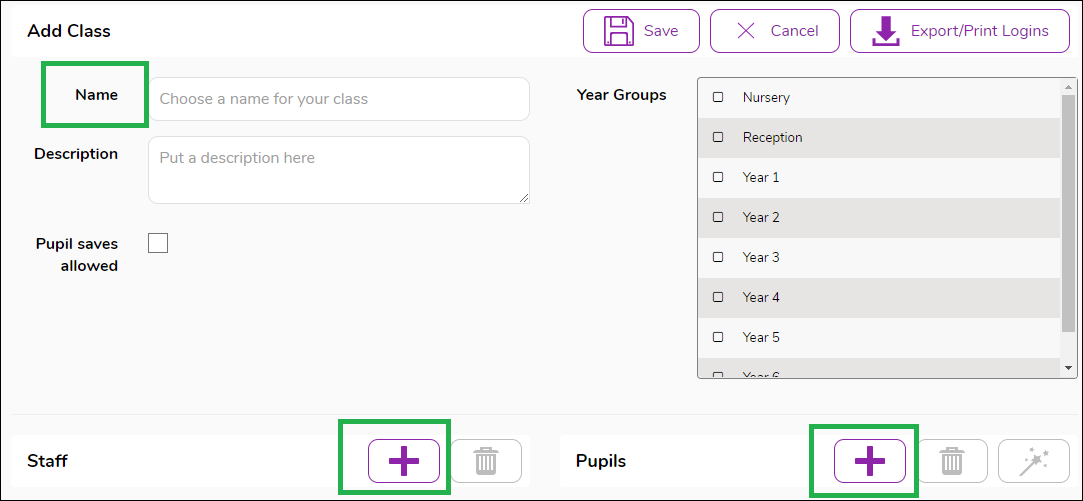
- Once you have set up the class, press save.
Please note that if your school is set up with MIS syncing, or you are using the import wizard, any new classes will automatically be created and you will not need to manually create a class.
If you have any questions about this, please email support@2simple.com
