Purple Mash PE - Creating a unit schedule and viewing lessons.
 Updated
by
Emily Mahony
Updated
by
Emily Mahony
You can create a unit schedule within the Purple Mash PE Scheme of work area.
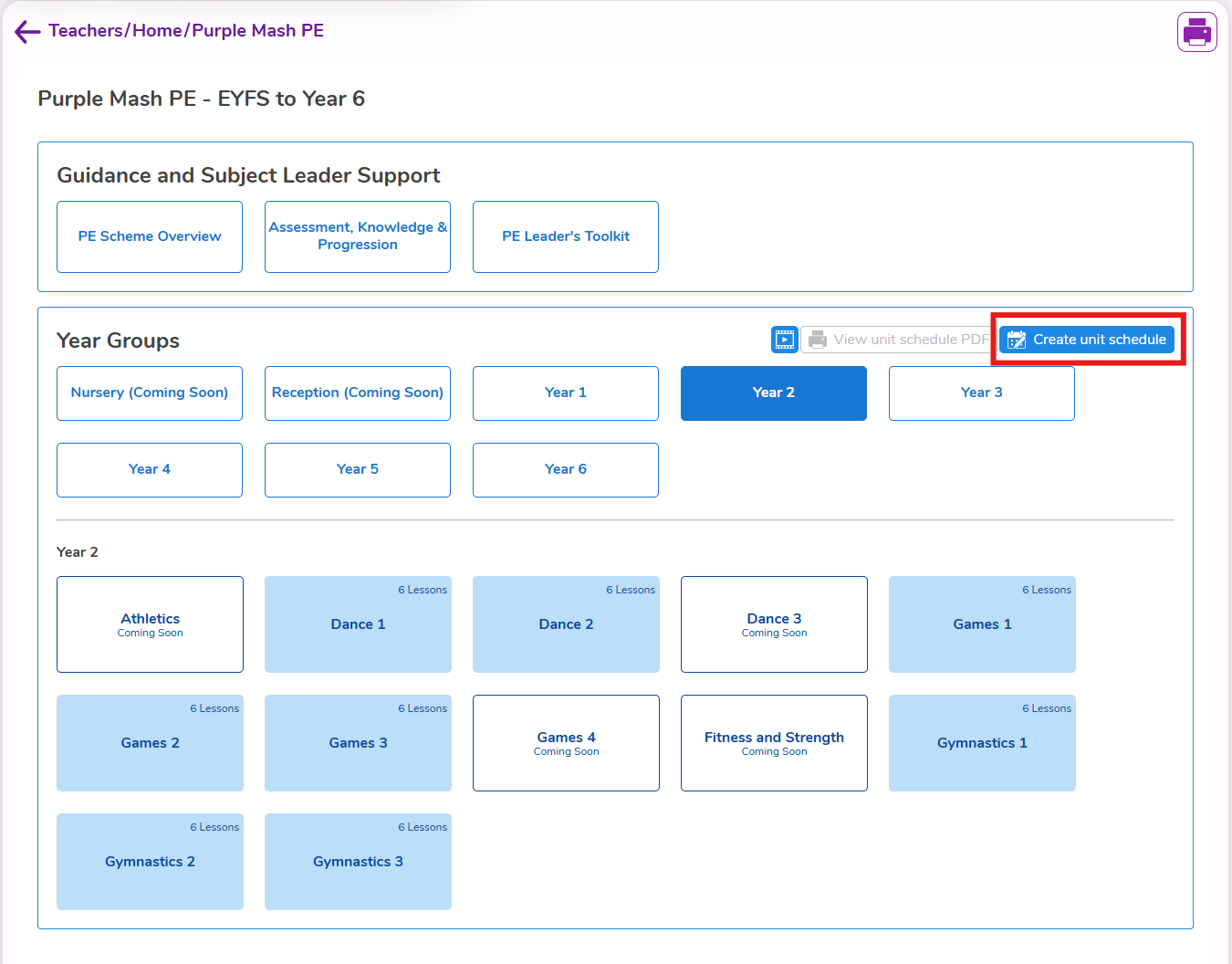
To do this, select the year group you want to create a unit schedule for then click the create unit schedule button.
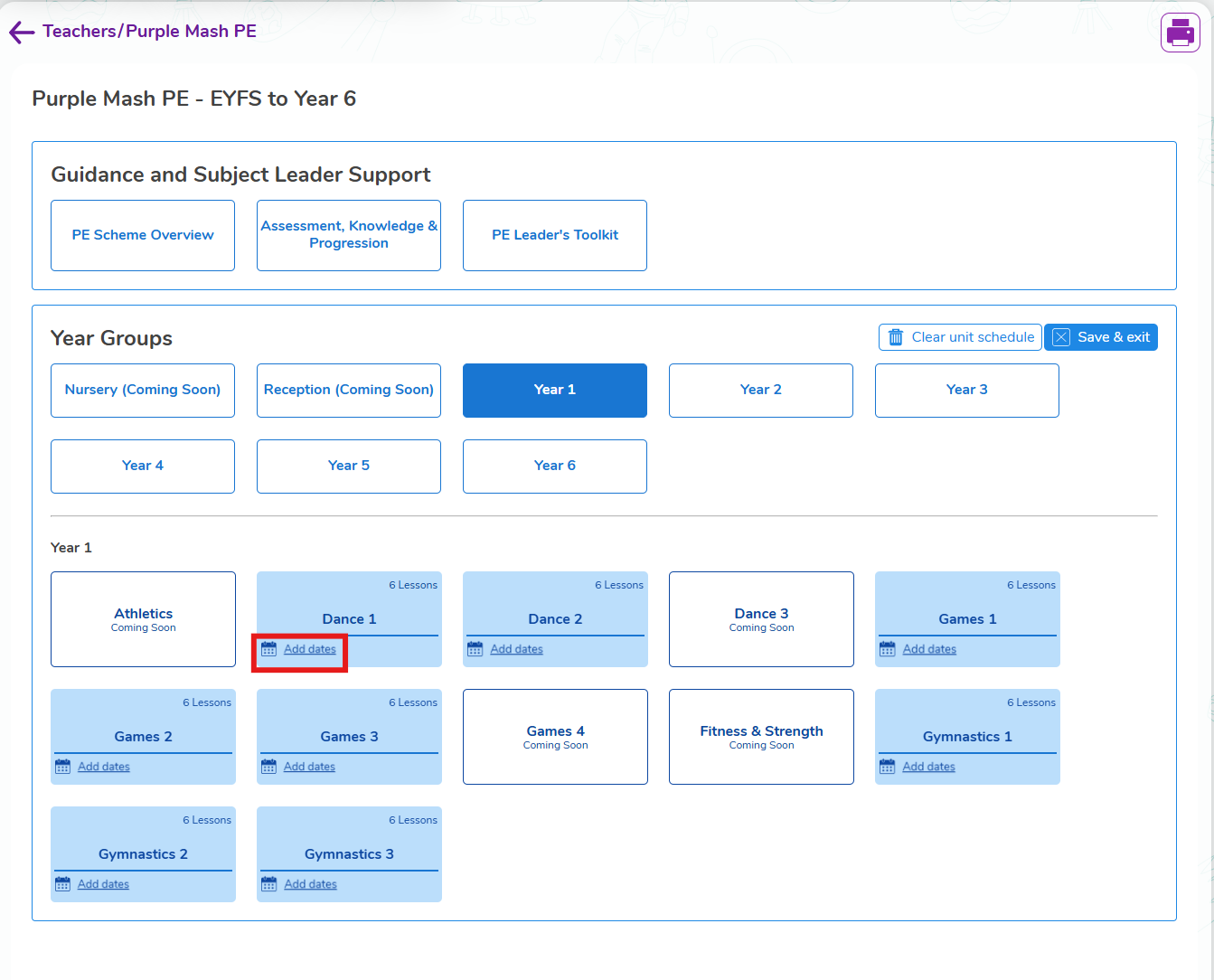
Then click on the add dates button to add the date you will be teaching those units.
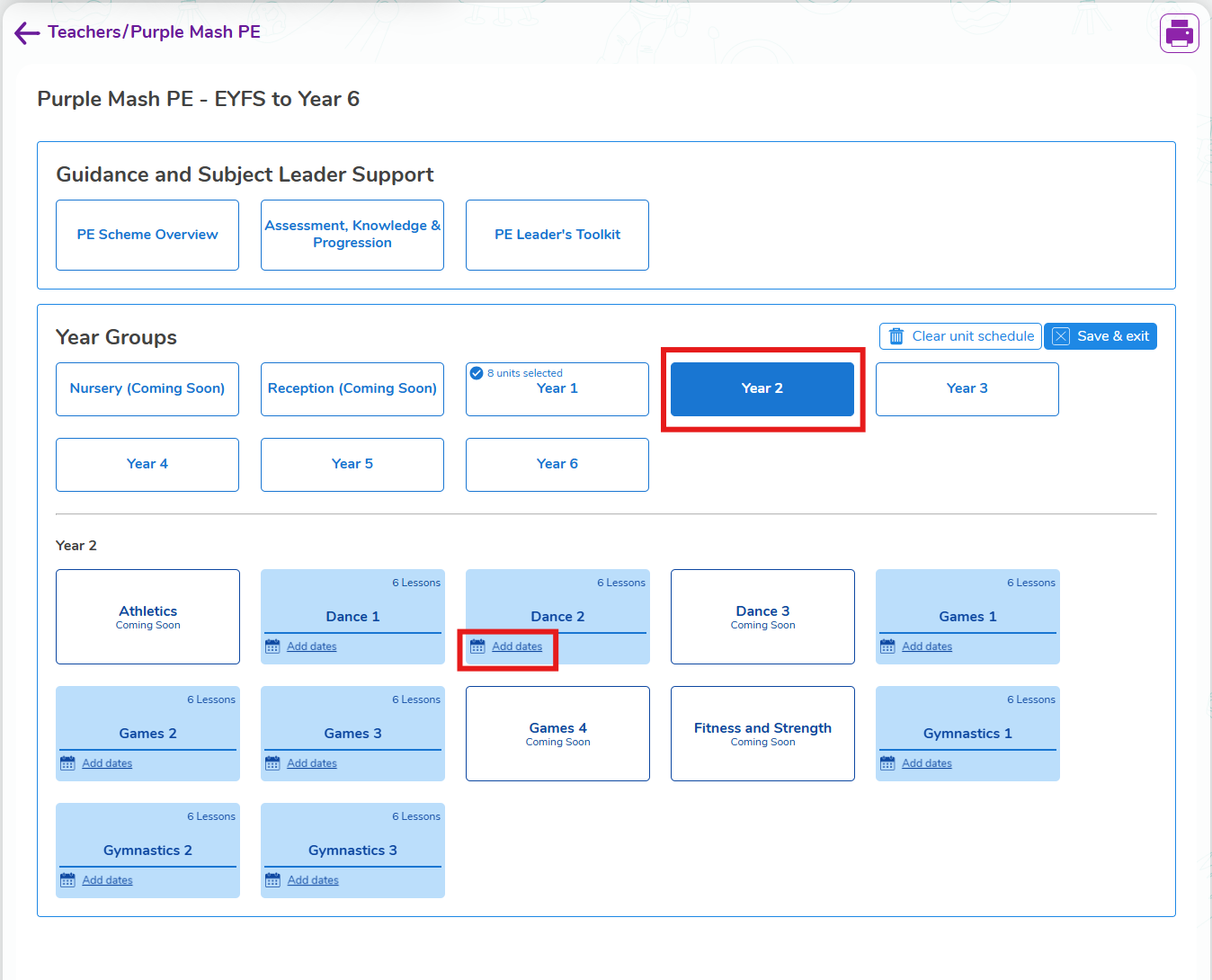
If you want to do more than one year group at a time, after you've selected the dates for the units in one year group, select the next year group under the year groups area, and then add dates you will be teaching the units.
Once you've added your dates and clicked save and exit, you can view the schedule by clicking on the view unit schedule PDF. This then generates a PDF you can then either save the PDF to your PC or print it out.
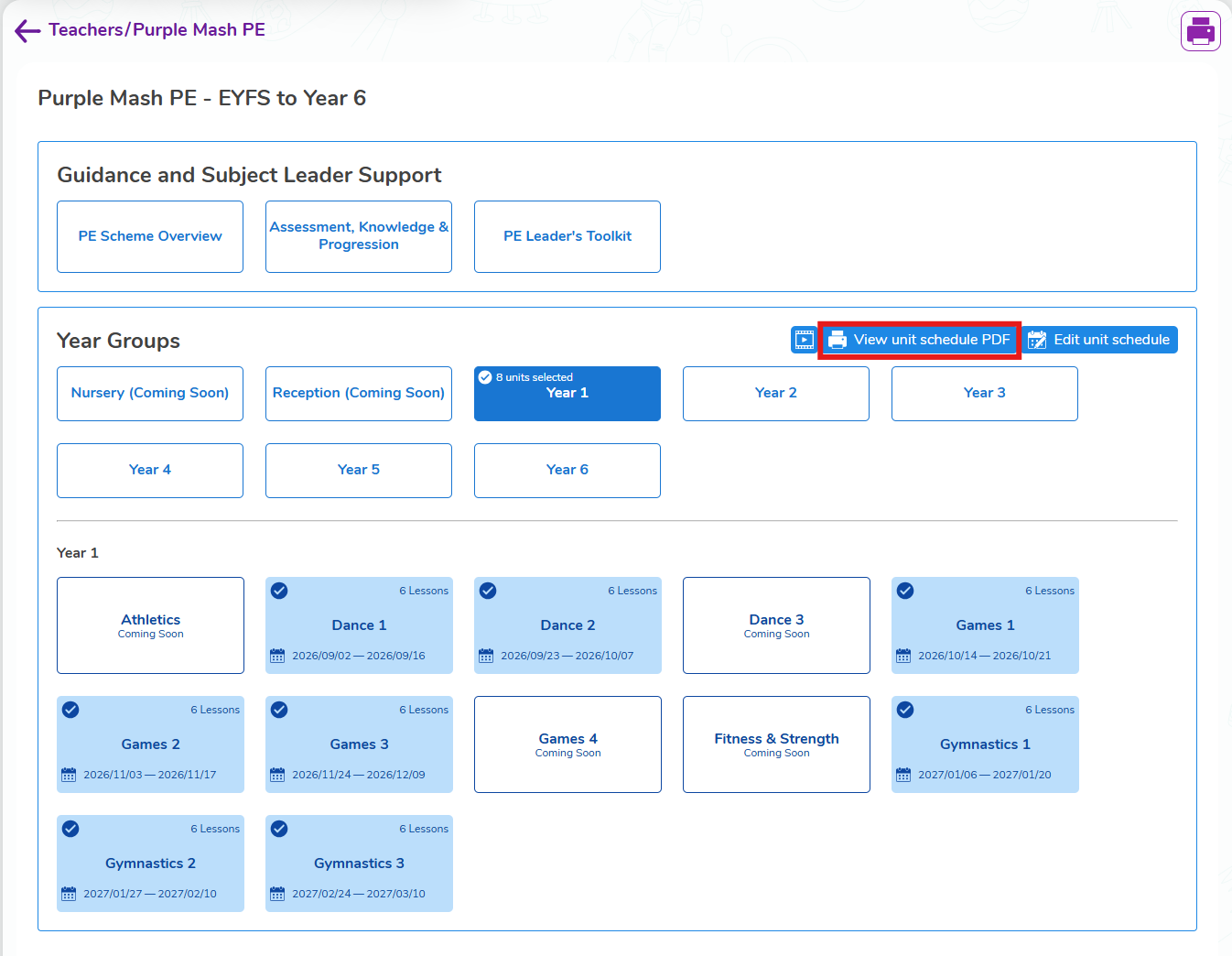
To view the lessons within the unit select the year group you want to view lessons for, then select the unit you want to view the lessons for.
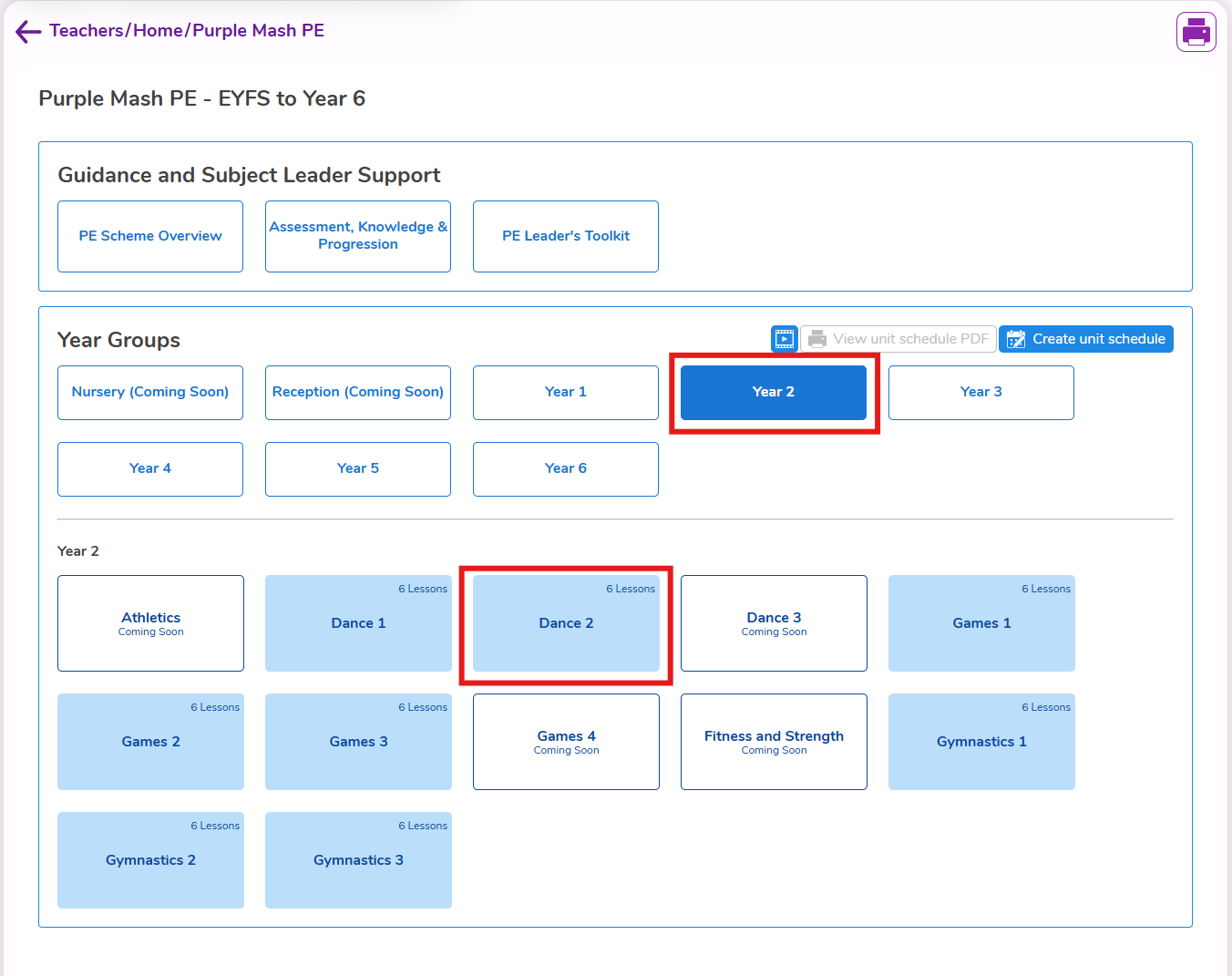
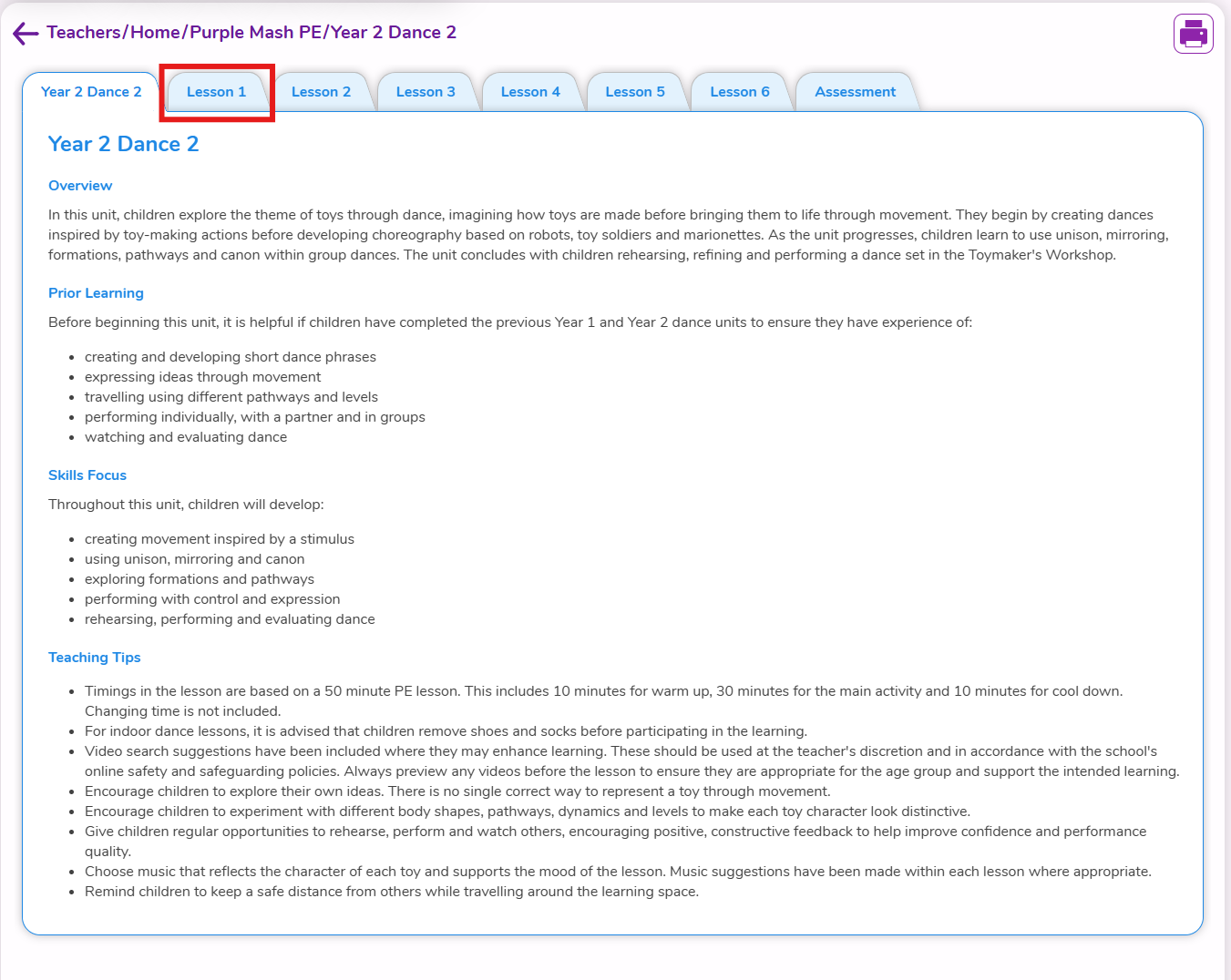
Once in the unit, you'll see the overview for the unit first. You can then select the lesson tabs to view the content for each lesson.